Make yourself a server operator
Operator, or "op", gives you admin powers in game: creative mode, teleporting, giving items, changing time and weather, and running any command.
Op yourself
Open the Players tab and switch to Moderation.
Type your exact Minecraft username into the Operators panel and press Grant OP.
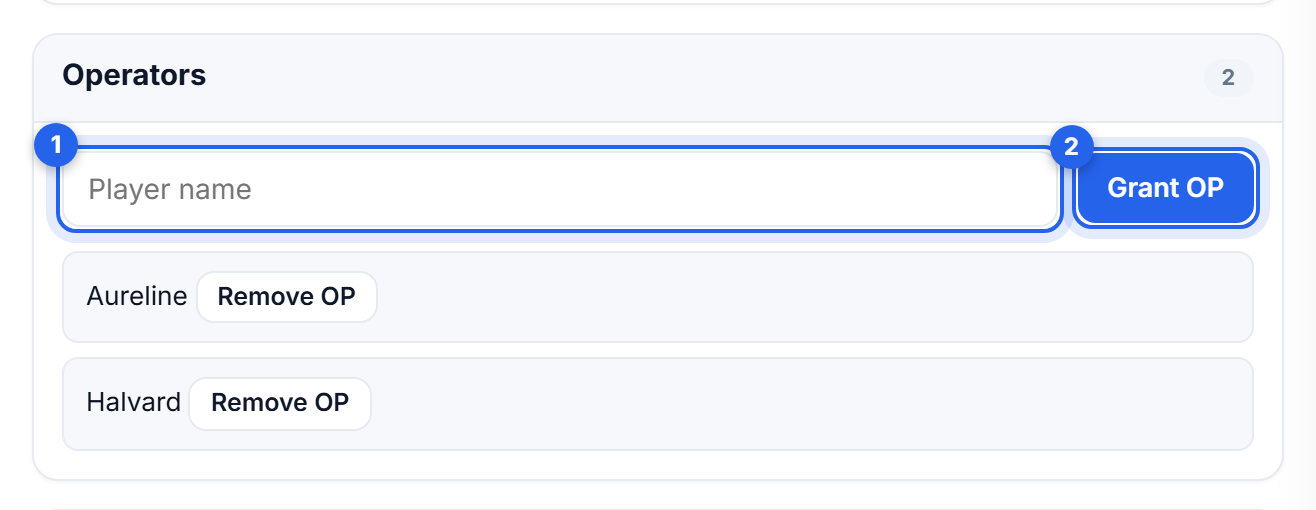
Everyone who currently has it is listed underneath, with Remove OP beside each name.
Join the server and try /gamemode creative to confirm it worked.
Usernames are case sensitive and must match exactly. If nothing appears to happen, check the spelling first - that is nearly always the cause.
Or from the console
The Console tab does the same thing, and works while you are already there watching the log:
op YourName
deop YourName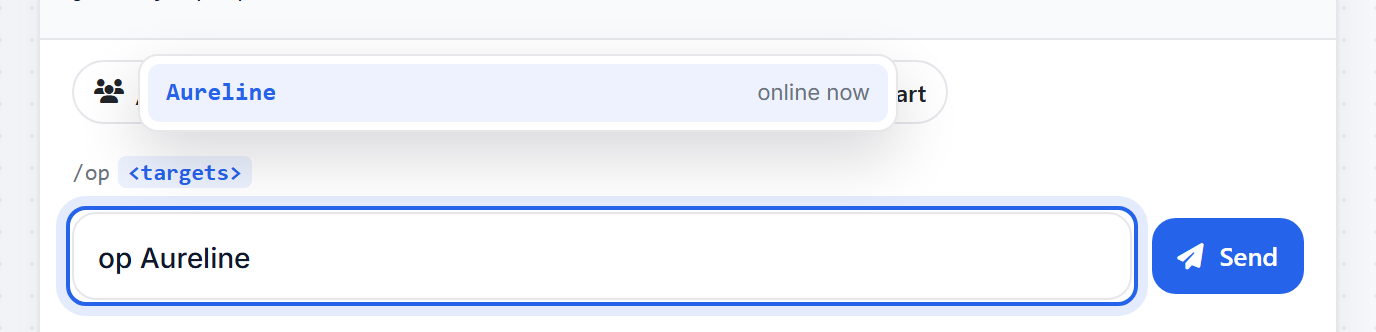
Operator levels
Ops are not all equal. server.properties has an op-permission-level setting from 1 to 4 that decides what your operators can reach:
- 1 bypass spawn protection
- 2 most single-player cheats:
/gamemode,/give,/tp, command blocks - 3 player management:
/kick,/ban,/op - 4 everything, including
/stop
The default is 4. If you are opping someone you trust to build but not to ban people, lower this before you op them.
The whitelist
The whitelist is separate from op, and it is the usual way to keep a private server private. Being an operator does not put you on it.
Turn it on in Settings, under Gameplay. Until it is on, the list does nothing and anyone with your address can join.

Once it is on, manage who is on it from the Whitelist panel on the Players tab, beside Operators.
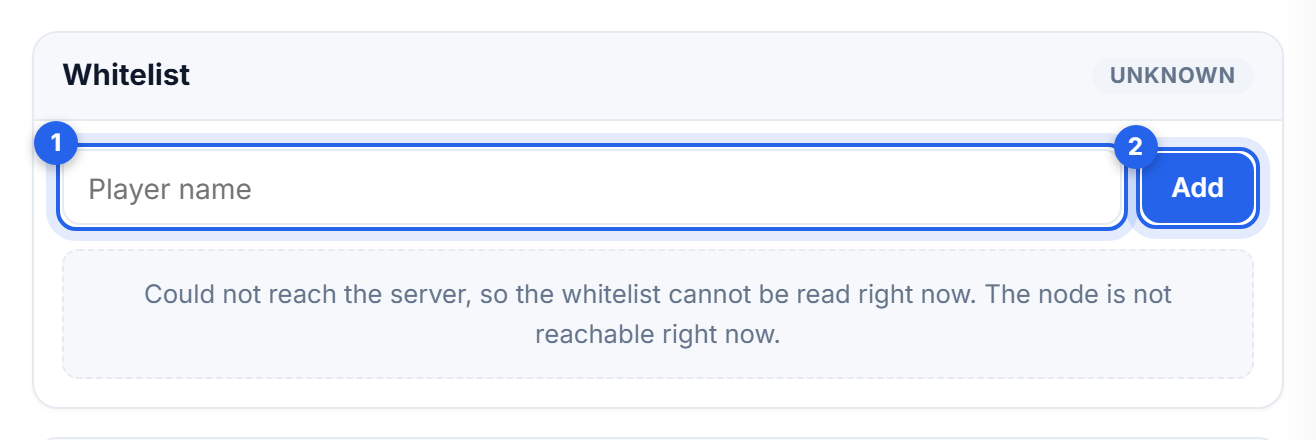
The console equivalents, if you prefer:
whitelist on
whitelist add PlayerName
whitelist remove PlayerName
whitelist list
Turn the whitelist on before you announce your address, not after.
Related: Using the console and commands
Was this helpful?
Still need help? Contact support.