Link servers together with a network
A network joins several servers behind one address, so players can hop between them, for example a hub, a survival world and a minigame server, without ever disconnecting.
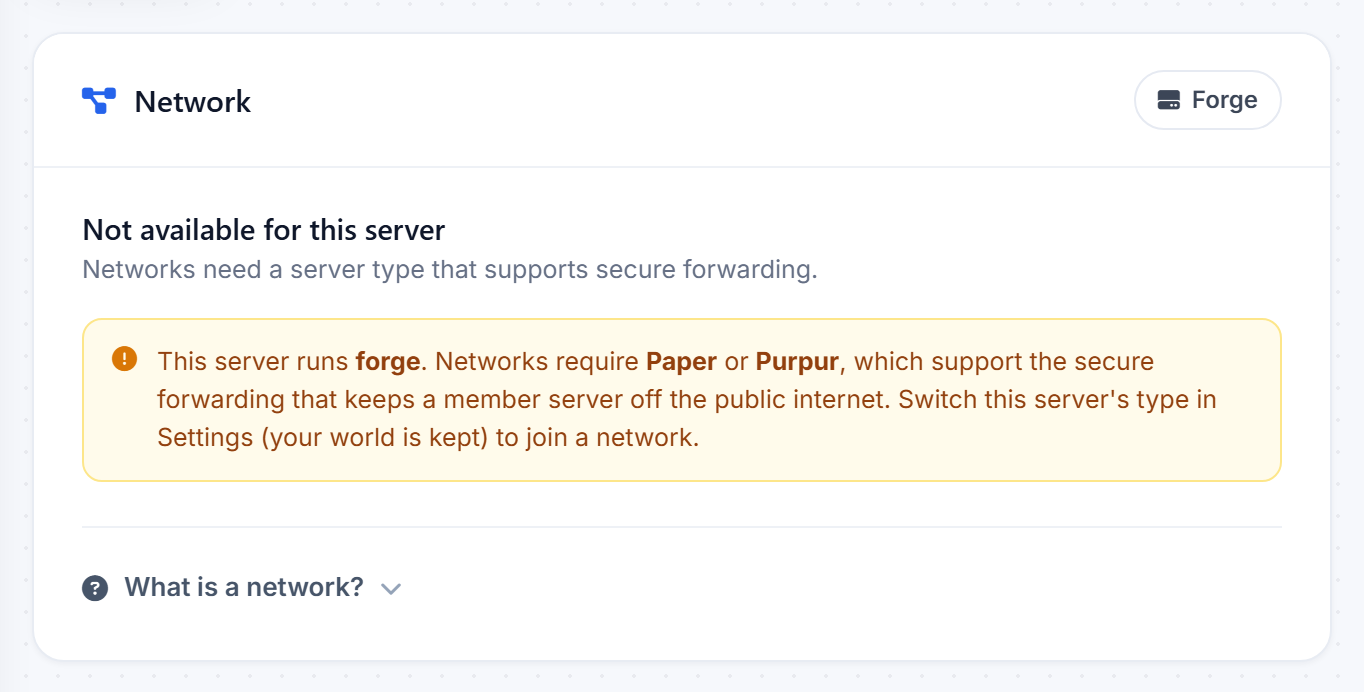
What you need first
Networks use a proxy, which needs a server type that supports it. If a server's Network page says it is not available, that server is on a type such as Fabric that cannot join a network. Open its Settings and switch the type to Paper or Purpur first.
Build the network
- From the account menu, open Networks and create one.
- Add your eligible servers to it.
- Players connect to the network's address and land on your main server. From there, in game portals or commands send them to the others.
Only the network address is public. The individual servers sit safely behind the proxy, which keeps them off the open internet.
New to the idea? The What is a network? link on the Network page walks you through it.
Was this helpful?
Still need help? Contact support.