Install mods and plugins
The Mods & Plugins page lets you add content from Modrinth and CurseForge without downloading a single file yourself.
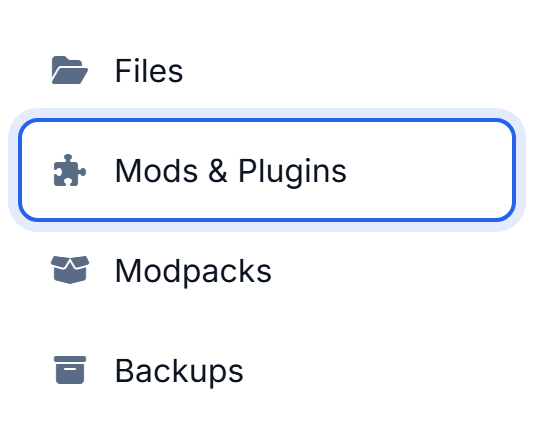
Browse and install
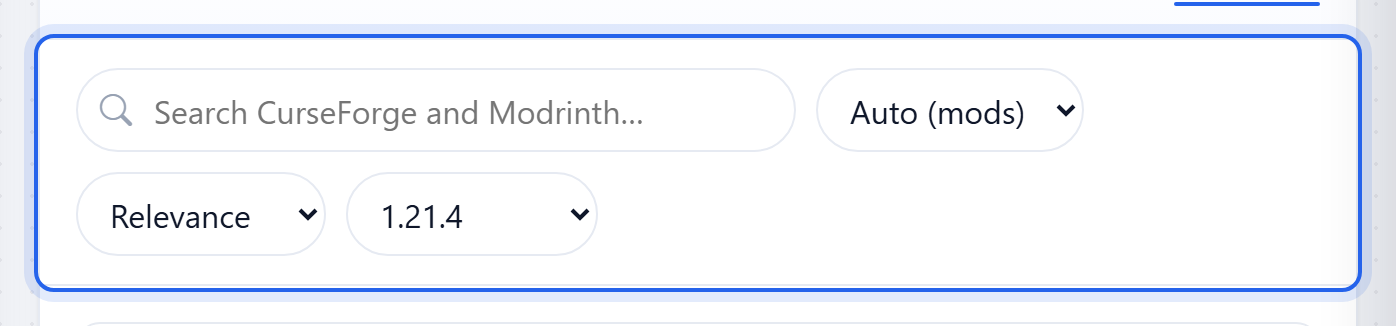
- Click the Browse tab.
- Search for what you want. Results come from CurseForge and Modrinth.
- Click Install on the one you want.
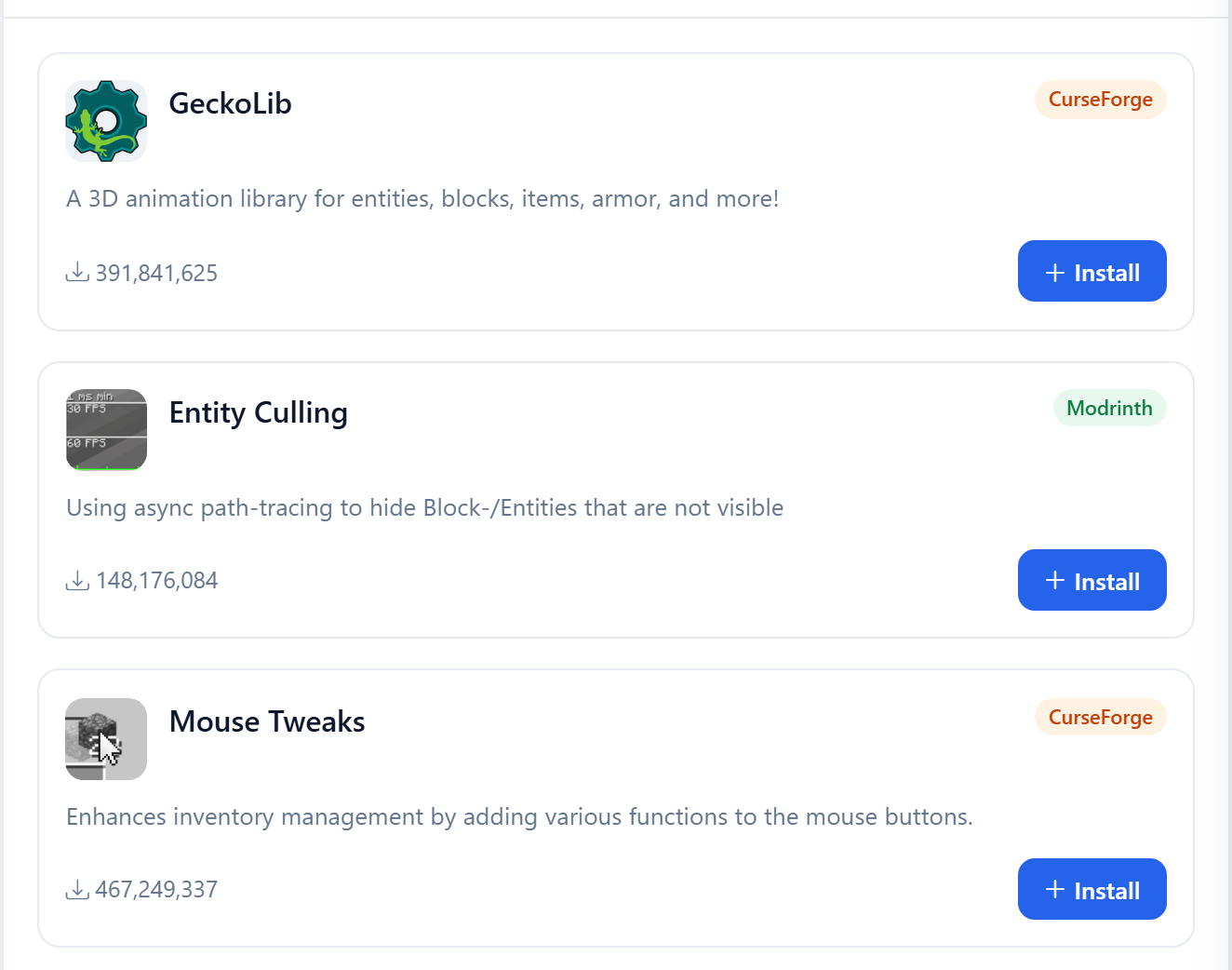
We pick the right file for your Minecraft version and loader, pull in any required dependencies, and drop it all into your server. No matching versions by hand, no hunting for library mods.
Managing what you have
The Installed tab lists everything on your server:
- The toggle on the right enables or disables a mod without deleting it. Handy for testing whether one mod is causing trouble.
- The bin icon removes it for good.
- An Update badge shows up when a newer version is available.
Uploading your own
Got a .jar from somewhere else? Click Upload Mod to add it straight to the folder.
Mods and plugins load when the server starts, so do a Restart after installing or removing anything.
Was this helpful?
Still need help? Contact support.