How to reduce server lag
Lag shows up as blocks breaking slowly, mobs stuttering, or hits not landing. Most of it can be fixed from one place.
Turn on optimisation
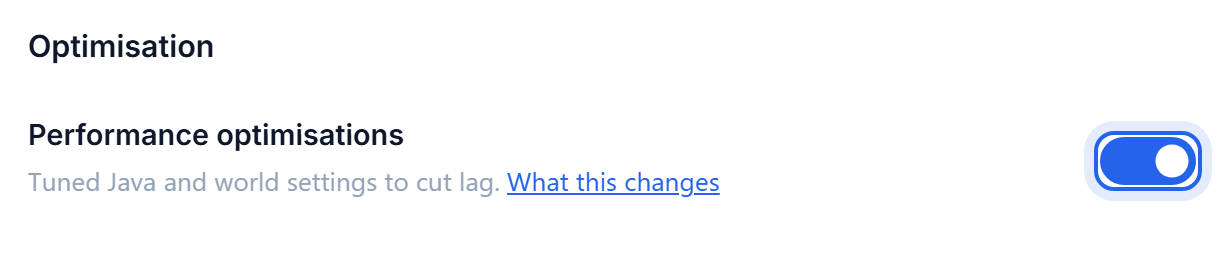
Go to Settings, open the Performance section, and switch Performance optimisations on. This applies tuned Java and world settings that we maintain, sized to your plan.
Pick a preset
Three presets, each doing more than the last. The line underneath tells you exactly what the chosen one will change on your server, so you are never guessing.
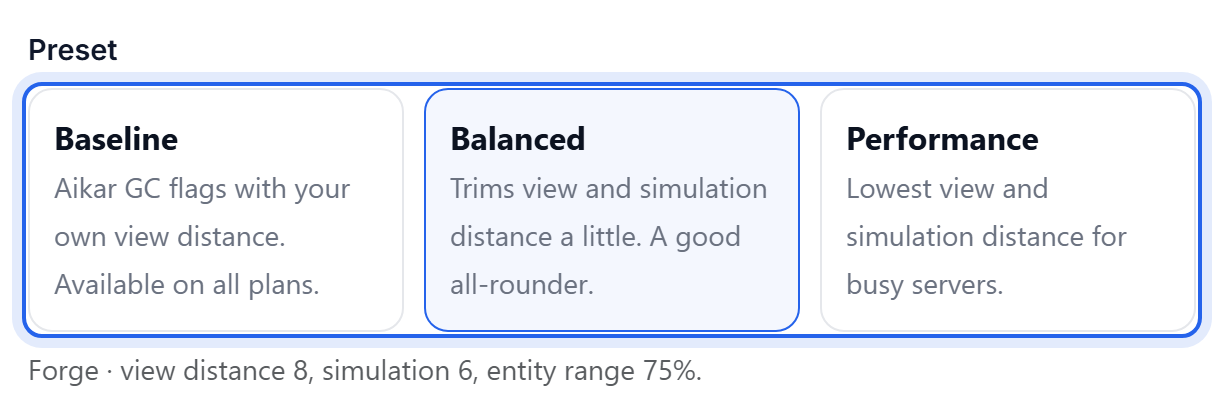
- Baseline - garbage collector tuning, keeping your own view distance. Available on every plan.
- Balanced - trims view and simulation distance a little. The right choice for most servers.
- Performance - the lowest view and simulation distance, for busy servers.
Balanced and Performance need a paid plan. Baseline works on any of them.
Simulation distance is the one people miss
View distance controls how far you can see. Simulation distance controls how far the world keeps running - mobs, crops and redstone all stop ticking beyond it. Lowering simulation distance usually buys more than lowering view distance, and players notice it far less.
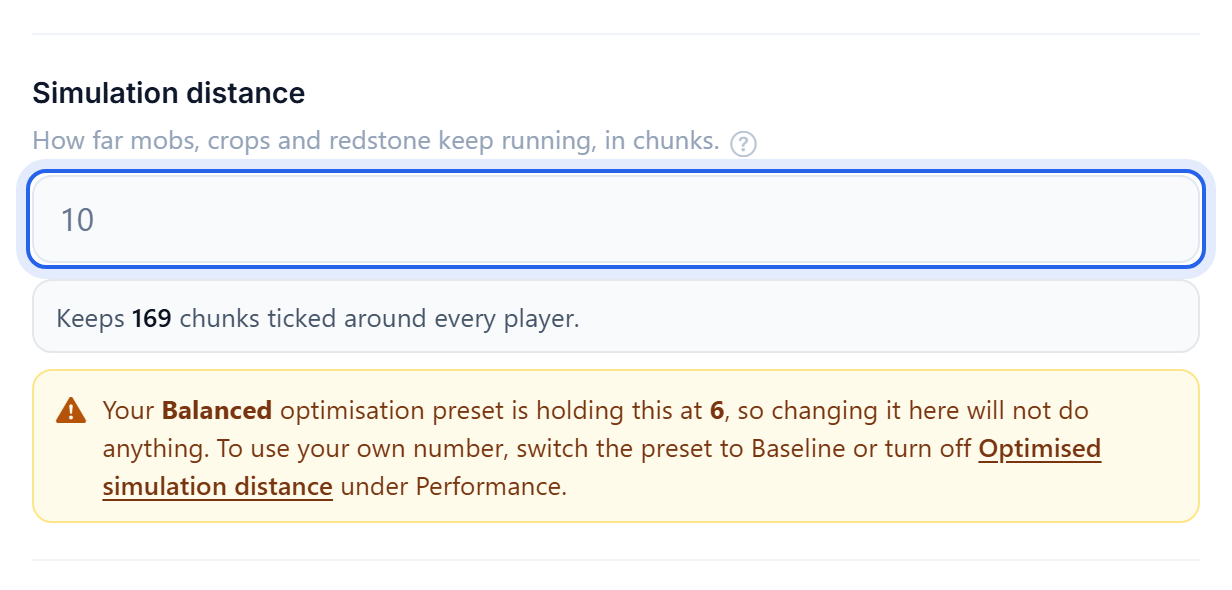
The presets set both for you. Set them by hand only if you want something specific.
Fine tuning
Each tweak a preset would apply can be turned off on its own, so you can take the parts you want and leave the rest.
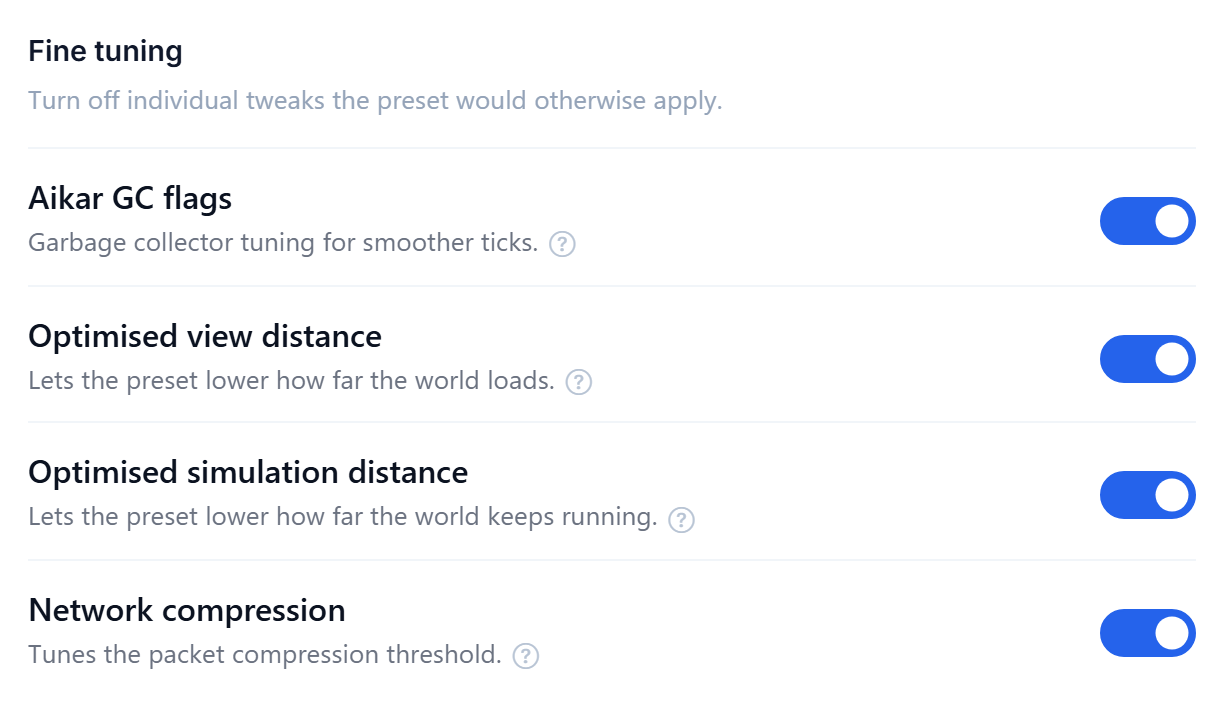
Turning off Optimised view distance or Optimised simulation distance hands the setting back to your own value, whichever preset is selected. If your own value is large, that can undo most of what the preset was doing.
On a modded server there is also Automatic mod tuning, which adjusts a few known-heavy mod settings - only the ones you have not changed yourself, and only while Balanced or Performance is selected. Turn it off and we put them back.
If it is still slow
Optimisation cannot fix everything. Work down this list:
- Give it more memory. A server short on RAM stutters no matter how it is tuned. See Give your server more RAM.
- Switch to Paper. Paper is much faster than Vanilla for the same world. See How to switch server software.
- Cut back giant mob farms. Too many entities ticking at once is a common cause, and no preset can tune around it.
- Look for one heavy mod. On a modpack, a single mod can drag everything down. The console and Crash Assistant can help you find it.
More RAM alone will not fix lag caused by view distance or a heavy mod. Work through the list rather than only upgrading.
Was this helpful?
Still need help? Contact support.