How to change the player limit
The player limit caps how many people can be online at the same time. Anyone trying to join a full server sees "Server is full".
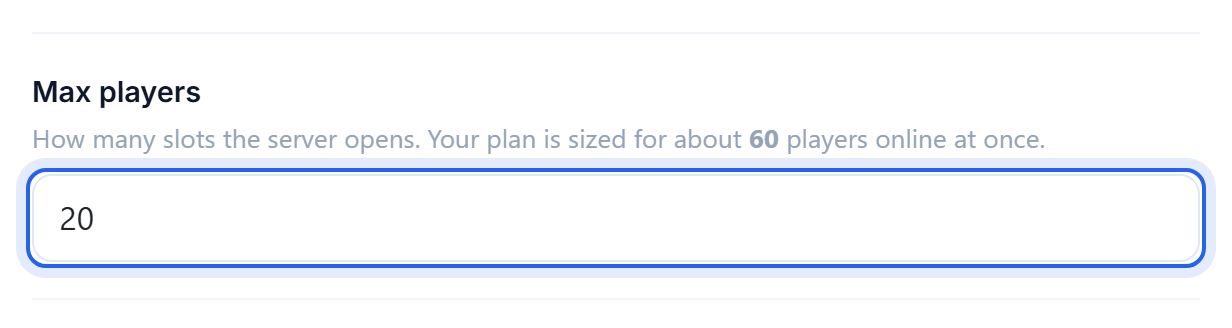
Change it
- Open the Settings tab.
- Set Max players to the number you want.
- Save, then Restart the server.
Picking a sensible number
The limit is not what decides whether your server can handle the players, it just stops more arriving. What actually matters is memory and CPU, so set it to a number your plan can genuinely carry.
As a rough starting point on vanilla or a lightly modded server:
- 1 GB: around 5 players
- 2 GB: around 10 players
- 4 GB: around 20 players
- 6 GB or more: 30+, though at that size the plugins and view distance matter more than the player count
Modpacks are much heavier. Halve those numbers as a starting guess and watch how it behaves.
Setting the cap far above what the server can handle does not gain you anything. It lets enough players in to make the server unplayable for everyone, rather than turning the last few away.
If it lags before it fills up
Lower the view distance before you lower the player cap: it is usually the bigger lever and it costs you nothing visible. See How to change the view distance and How to reduce server lag.
If you are regularly hitting the cap with a healthy server, that is the point to add RAM. See Give your server more RAM.
Reserved slots
There is no built-in way to keep a slot free for yourself. If you want that, a plugin such as one providing reserved slots can let operators join a full server.
Was this helpful?
Still need help? Contact support.