How to change the difficulty
Difficulty controls how hard mobs hit, whether they spawn at all, and whether hunger can kill you.
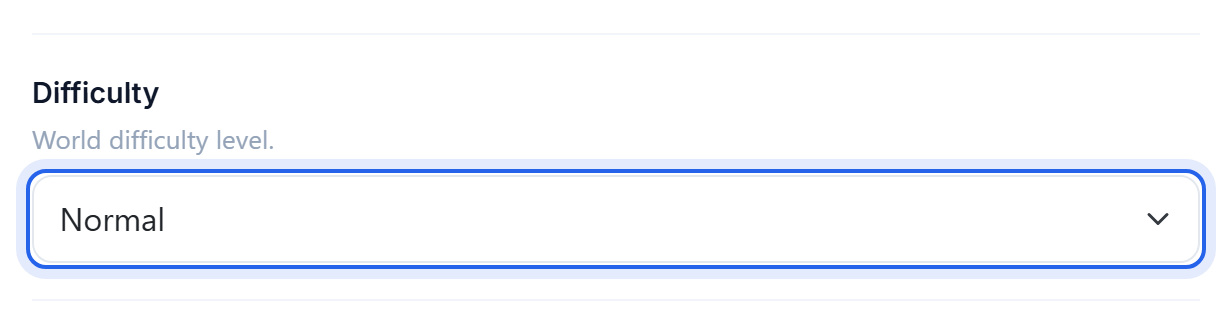
Change it
- Open the Settings tab.
- Set Difficulty.
- Save, then Restart.
You can also change it live from the Console without a restart:
difficulty peaceful
difficulty easy
difficulty normal
difficulty hard
What each one does
- Peaceful no hostile mobs at all, and they despawn immediately. Health regenerates and hunger never drops below the point of starving.
- Easy hostile mobs spawn but do reduced damage. Hunger can empty but will not kill you.
- Normal the default and what most servers use. Full mob damage, and starvation takes you to half a heart.
- Hard mobs hit hardest, zombies break down doors and can summon reinforcements, and starvation can kill you outright.
Peaceful is not a way to protect builds. It stops mobs spawning, not other players. For that you want PvP off and a claims plugin: see How to turn PvP on or off.
Locked difficulty
If difficulty appears stuck, the world has difficulty-locked set, which single-player worlds sometimes carry in. Run this from the Console:
difficulty normalIf that is refused, the lock is in the world data and has to be cleared before the setting will take.
Was this helpful?
Still need help? Contact support.