Fix crashes with Crash Assistant
When a server crashes, Crash Assistant does the detective work for you. It reads the crash log, explains what went wrong in plain English, and can usually apply the fix itself.
Run it
Open your server, click Crash Assistant, then press Analyze.
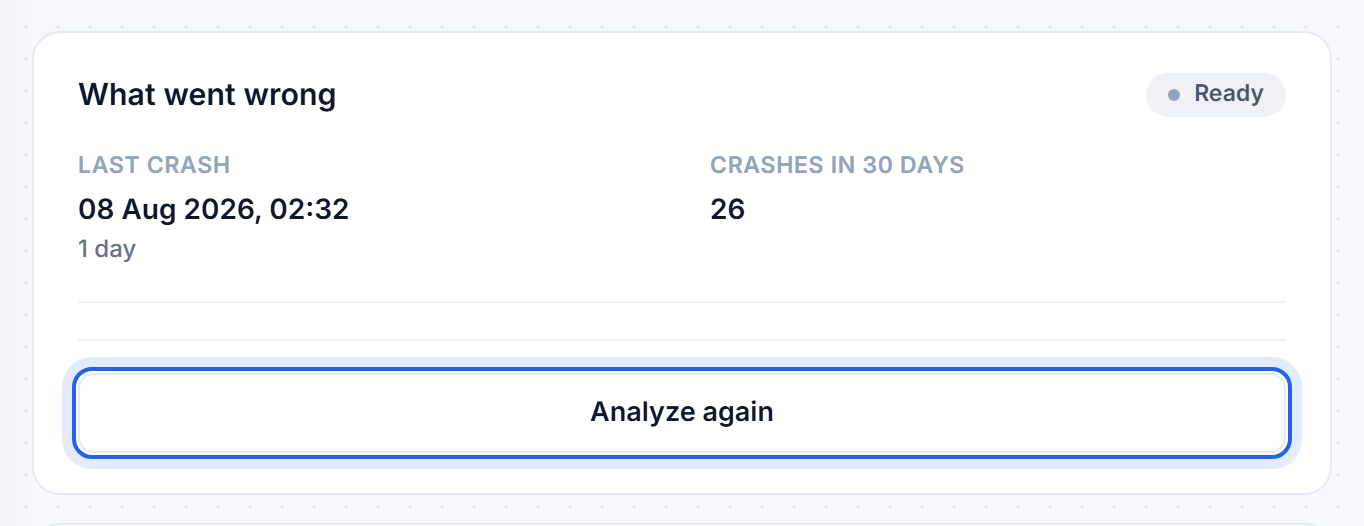
It reads the crash alongside the rest of your setup - your version, loader, installed mods and memory - and comes back with the likely cause, how confident it is, and a plan.
Approve the plan
The plan is a short list of steps, each one saying what it will do and why, and marked as either safe or as something that touches your data. Nothing happens until you approve it. Depending on the crash, the steps might be:
- turning off a mod that is breaking the server
- installing a dependency a mod needs
- swapping a mod to a build that matches your version
- raising your memory
- repairing a config file, or changing a setting
- restoring a backup, which is always confirmed on its own
Then choose Apply this fix and restart, or Apply the changes without restarting if you would rather pick your moment. After a restart it watches the server come back up and tells you whether it worked.
Undo
If the result is not what you wanted, Undo all changes puts everything back the way it was.
Recent crashes
Underneath, the page lists your recent crashes with the time and a plain-language cause. One crash after you installed something is a different problem from a crash every twenty minutes.
Still stuck after the assistant has tried? Open a ticket from the Help centre and paste what it found - that gives us a running start.
Related: My server will not start
Was this helpful?
Still need help? Contact support.