Start, stop and restart your server
Powering your server on and off is done from the top of any server page.
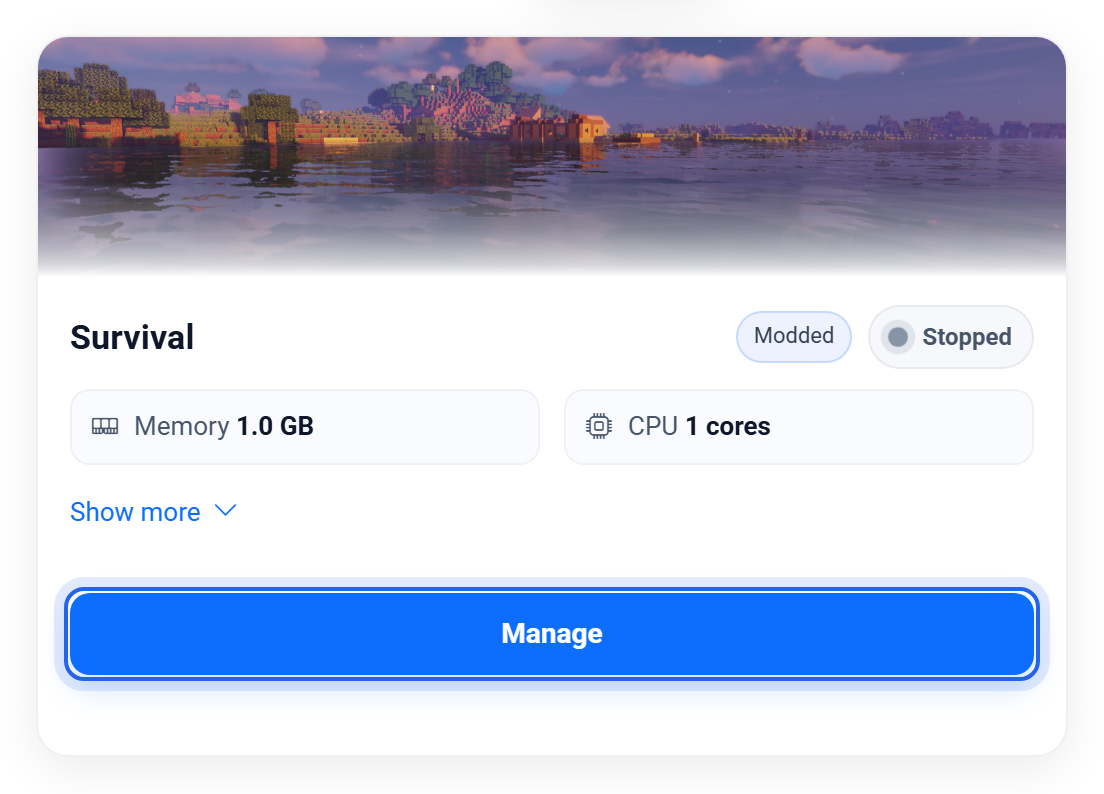
Open the server from your dashboard, then use the buttons at the top of any of its pages.

The controls
- Start boots the server up. The first start after a change can take a little longer while everything loads.
- Restart stops and starts in one go. Reach for this after installing mods or changing settings that need a fresh boot.
- Stop shuts the server down cleanly and saves the world. Use this rather than just closing the tab.
How to tell it is ready
After you press Start, open the Console and watch it. When you see the line that ends with Done, the server is up and players can join. Until then the status shows Starting.
A stop or restart always saves your world first, so it is safe to use whenever you need it. If a server ever gets stuck, a Restart almost always sorts it out.
Related: Using the console and commands
Was this helpful?
Still need help? Contact support.