How to reset your world
Resetting gives you a brand new world. There are two ways to do it: one is a single button, the other is reversible.
Option 1: Clear world data
- Go to Settings and scroll to the Danger zone at the bottom.
- Click Clear world data and confirm.
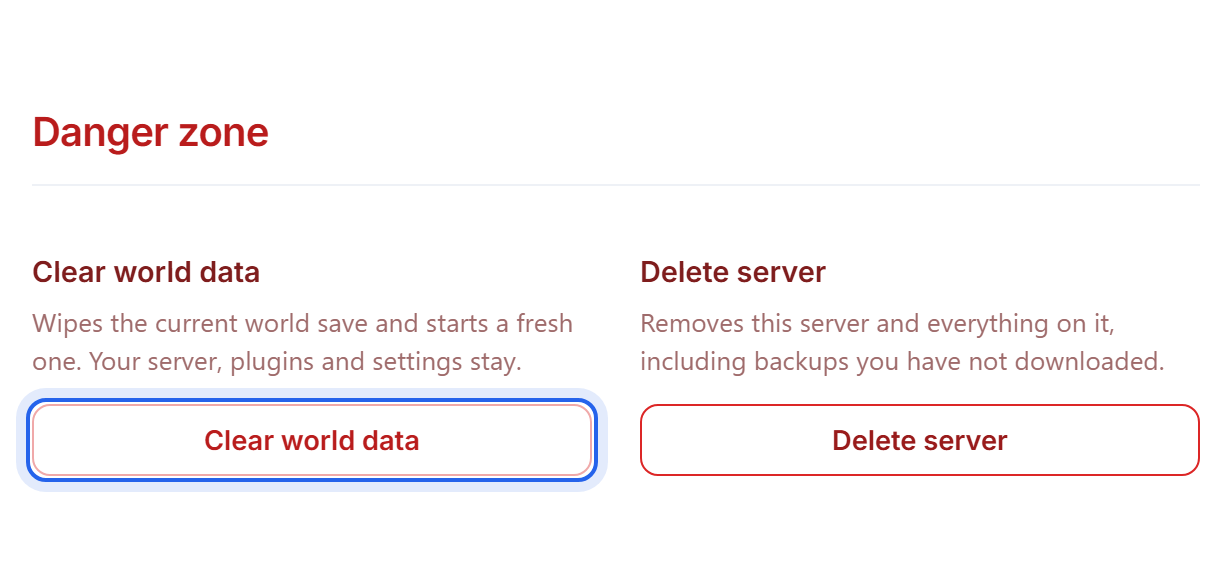
This wipes the current world save and generates a fresh one on the next start. Your server, your plugins and mods, and all your settings stay exactly as they are.
Take a backup first if there is any chance you will want the old world back. See Back up and restore your world. Once it is cleared it is gone.
Option 2: rename the world instead
If you would rather keep the old world where you can get at it, point the server at a world folder that does not exist yet. It generates a fresh one and leaves the old one untouched on disk.
- Stop the server.
- In Settings, change World name from
worldto something new, for exampleworld2. - Save, then Start the server.
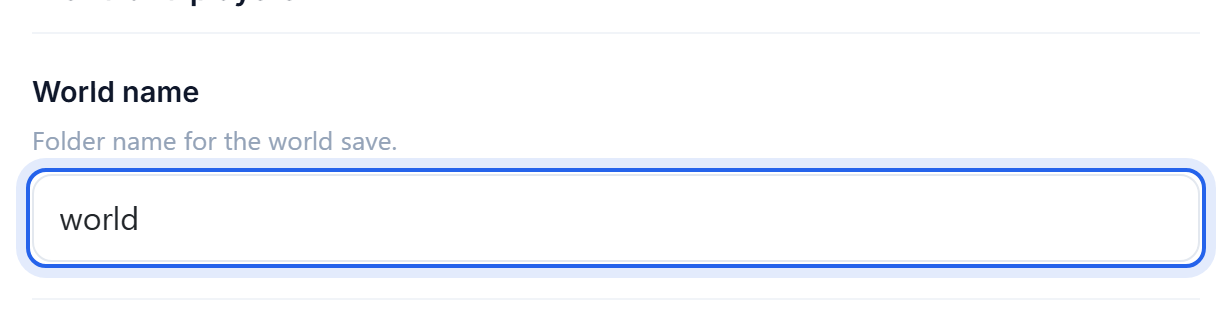
To go back later, set the world name to the old value and restart. Nothing was lost.
This uses more disk space, because you are keeping both worlds. Keep an eye on your disk usage on the Overview tab if you do it more than once or twice.
Want a specific map?
Set a seed before the first start, so the new world generates the way you want. See How to use a custom world seed.
What a reset does not clear
A new world is only the terrain. These survive it and may need clearing separately:
- Player inventories and ender chests, stored per player under
playerdata - The whitelist, the operator list and bans
- Plugin and mod data, including claims, economy balances and homes
Was this helpful?
Still need help? Contact support.