How to install a datapack
Datapacks add custom recipes, functions, loot tables and world generation using only Vanilla features, with no mods and nothing for players to install. They live inside your world folder.
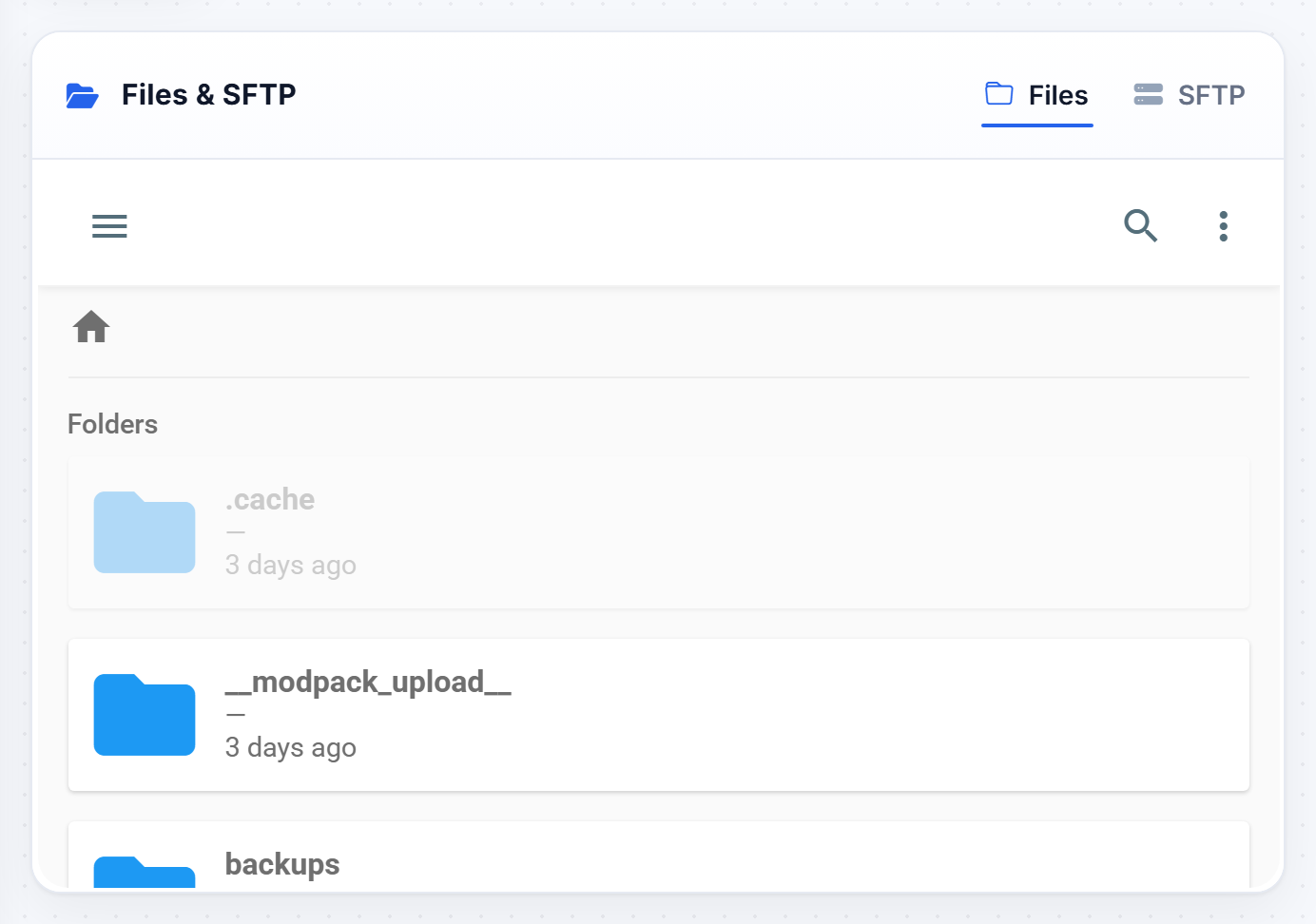
Install it
- Download the datapack
.zip. Do not unzip it, the server wants the zip as-is. - Open the Files tab and go into your
worldfolder, thendatapacks. - If there is no
datapacksfolder, create one with exactly that name. A fresh world often has none until the first pack is added. - Upload the
.zipthere. - Restart the server, or run
reloadin the Console if it is already running.
Check it worked
Run this from the Console:
datapack listYour pack should appear under the enabled list. If it shows as available but not enabled:
datapack enable "file/yourpack.zip"If it does nothing
- Wrong version. Datapacks declare which pack format they target, and a mismatch makes the server ignore them silently. This is the most common cause by far.
- Double-zipped. Open the zip: you should see
pack.mcmetaand adatafolder straight away. If instead you see another folder, the pack was zipped one level too deep and needs repacking. - Wrong world. It has to be inside the world named in
level-name, not just any world folder.
reloadre-reads datapacks without a restart, but it does not always cleanly apply world generation changes. A pack that alters terrain needs a restart, and usually a new world, to take effect.
Removing one
Delete the .zip from datapacks and restart. Anything the pack added, such as custom recipes, stops working, but blocks and items already placed in the world stay.
Was this helpful?
Still need help? Contact support.