Invite your team and set permissions
Teams let other people help run your servers without sharing your login. You can invite friends or staff and control exactly what each of them can touch.
Create a team
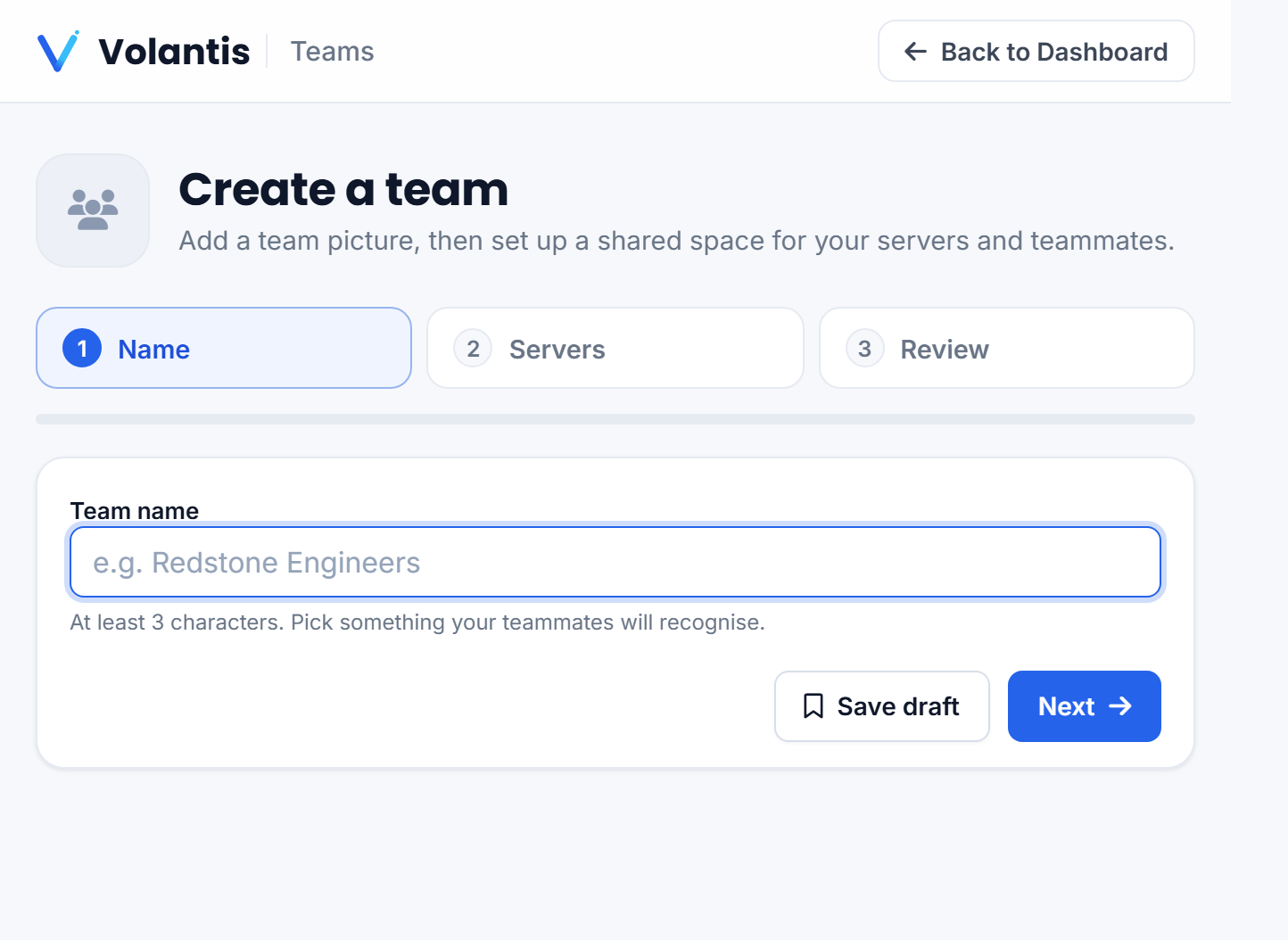
Open Teams from the menu under your email. Give your team a name, and it appears here with its member count and the servers shared with it.
Invite people
- Open your team and choose Invite.
- Enter the person's email. They receive an invite to accept.
- Once they accept, they show up in your member list.
Set what they can do
Each member has a role that decides their powers. You can let someone only use the console and start or stop a server, while keeping settings, billing and deleting locked to owners. Give each person the role that fits, there is no reason to hand everyone full control.
Switching teams
If you belong to more than one team, use Switch team to move between them. Servers shared with a team appear on the dashboard under Your Team's Servers.
Removing a member cuts off their access immediately. Roles can be changed any time as people's responsibilities change.
Was this helpful?
Still need help? Contact support.